Tap the three-dot menu beside the address bar. Choose Install and create shortcut, then Install. Some versions show Add to Home screen or Install app instead.
MoreInstall and create shortcutInstall
3
Confirm, then open the app
Confirm the browser’s prompt. Find the iShiokDrama icon on your home screen or in your app list, then tap it.
iShiokDrama
If this browser offers an install prompt, you can also use the Install app button.
The menu labels above are examples to help you find the right option. Your phone’s wording and layout may differ.
Inside iShiokDrama
Use the navigation at the bottom to find stories and your account.
Find published stories on Home when the catalogue opens.
iShiokDrama source preview. Catalogue services are awaiting configuration; screens will update before launch.
After installation Open the iShiokDrama icon and sign in with your existing email. Free films require a free account; premium access follows your membership.
 Watch films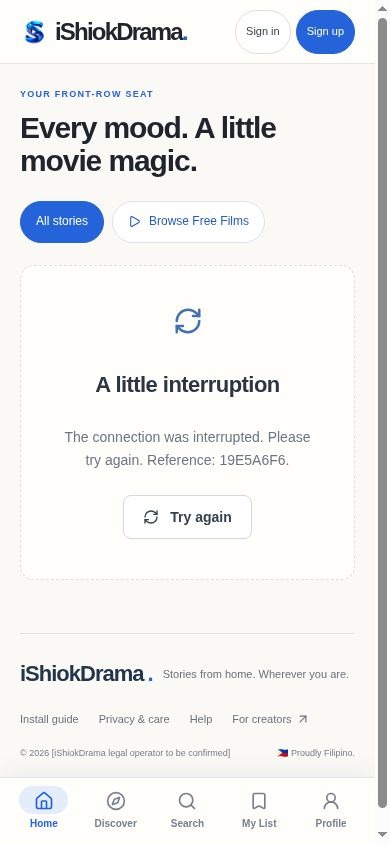
 iShiokDrama